Multi-Language Support
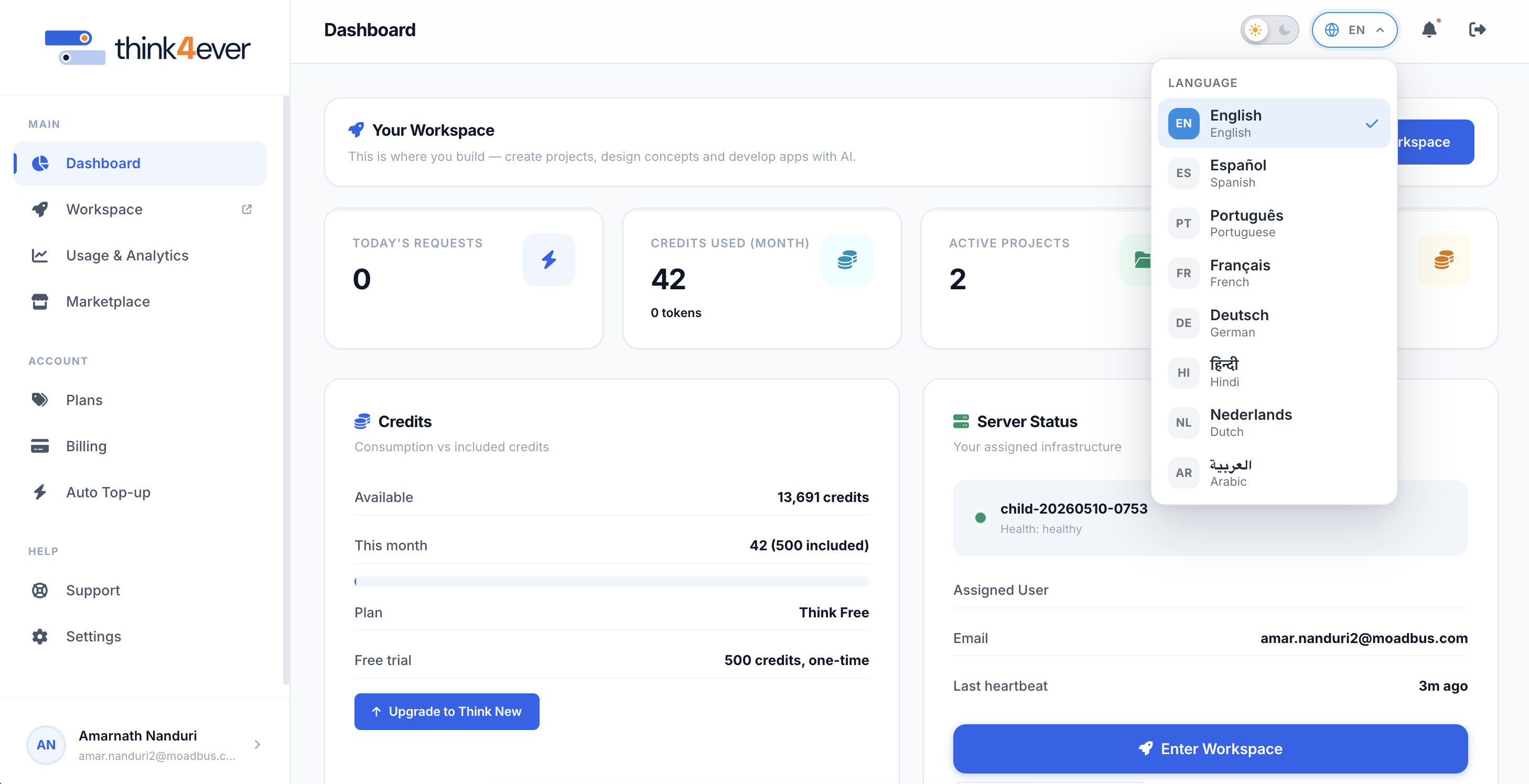
The Think4ever portal supports multiple languages. You can change your preferred display language at any time using the language selector dropdown located in the top-right header. Supported languages include English, Spanish, Portuguese, French, German, Hindi, Dutch, and Arabic.
How to Change the Display Language#
- Click the Language Selector icon (e.g., EN) in the top-right corner of the dashboard.
- Select your preferred language from the dropdown menu:
- EN – English
- ES – Español (Spanish)
- PT – Português (Portuguese)
- FR – Français (French)
- DE – Deutsch (German)
- HI – हिन्दी (Hindi)
- NL – Nederlands (Dutch)
- AR – Arabic
- The portal interface will immediately update to your chosen language.
Supported Language Previews#
English#
 Click to enlarge
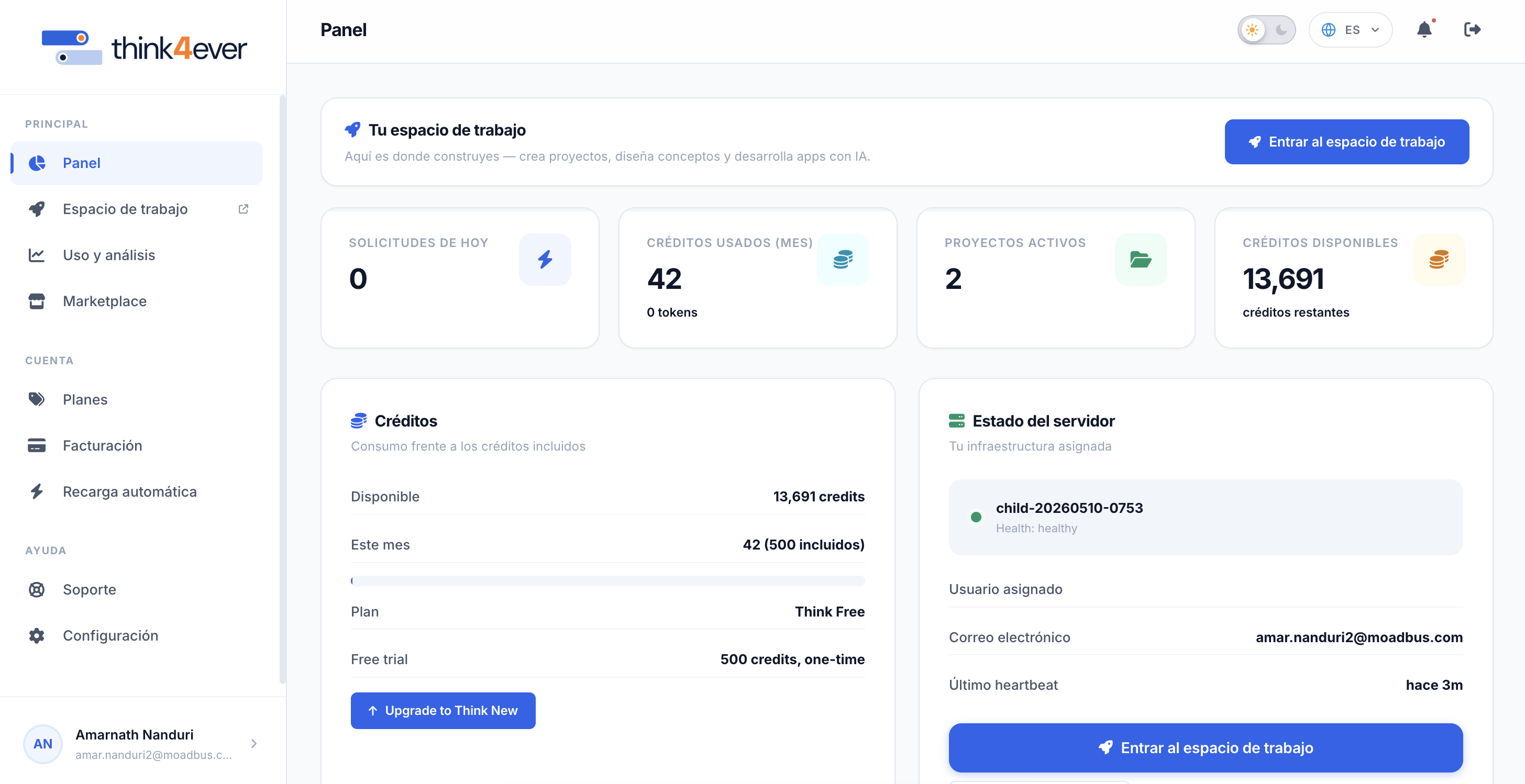
Spanish#
 Click to enlarge
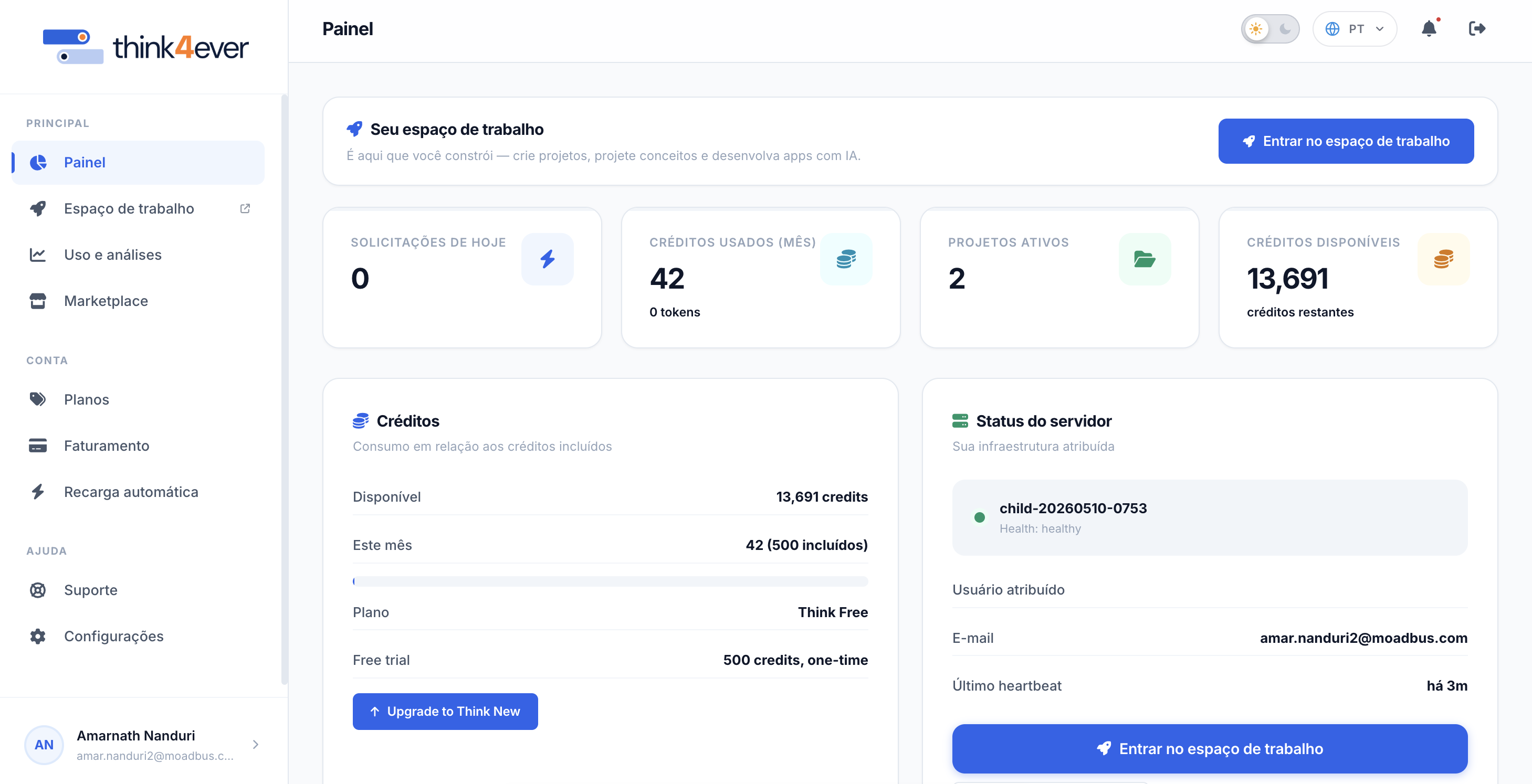
Portuguese#
 Click to enlarge
French#
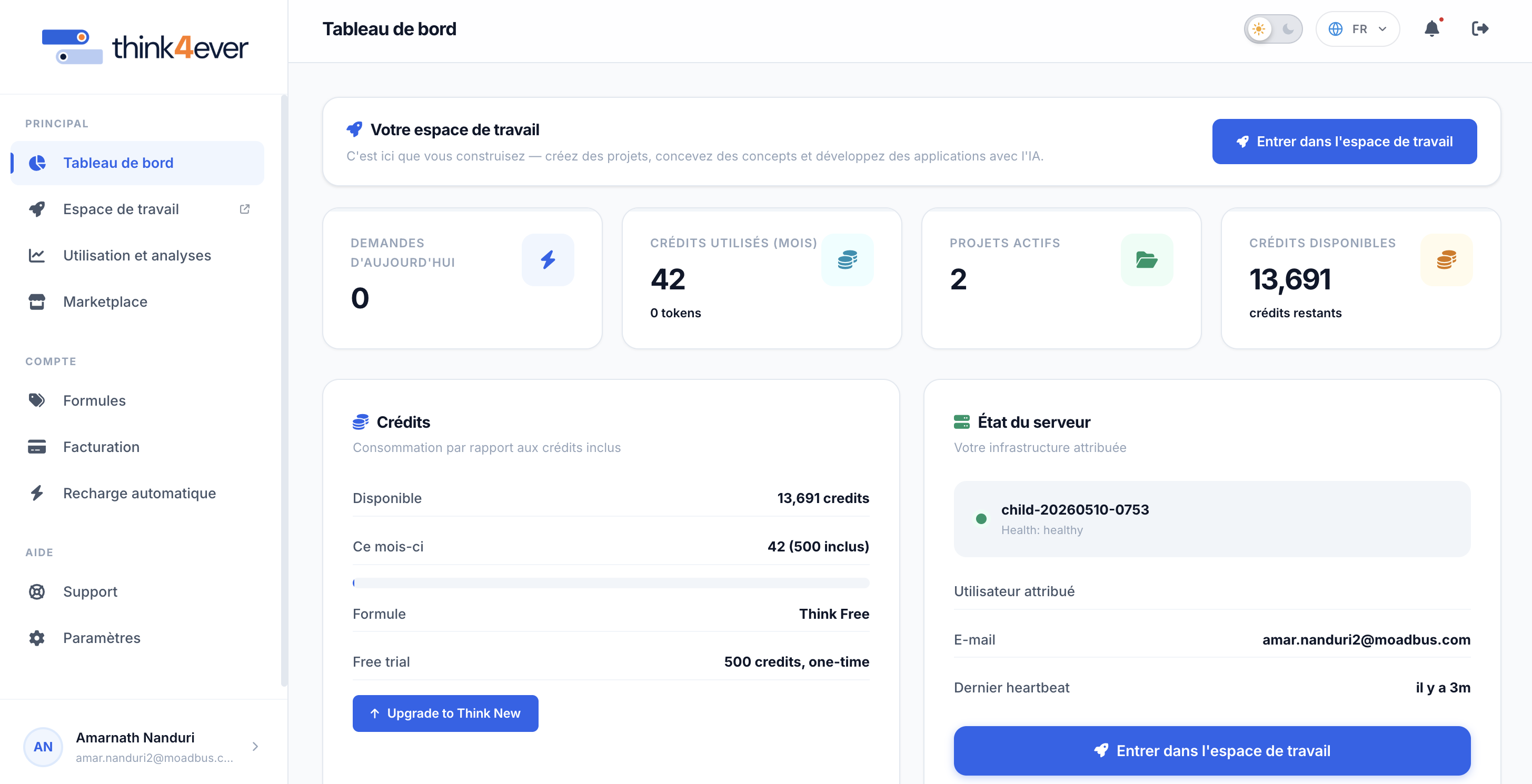 Click to enlarge
German (Deutsch)#
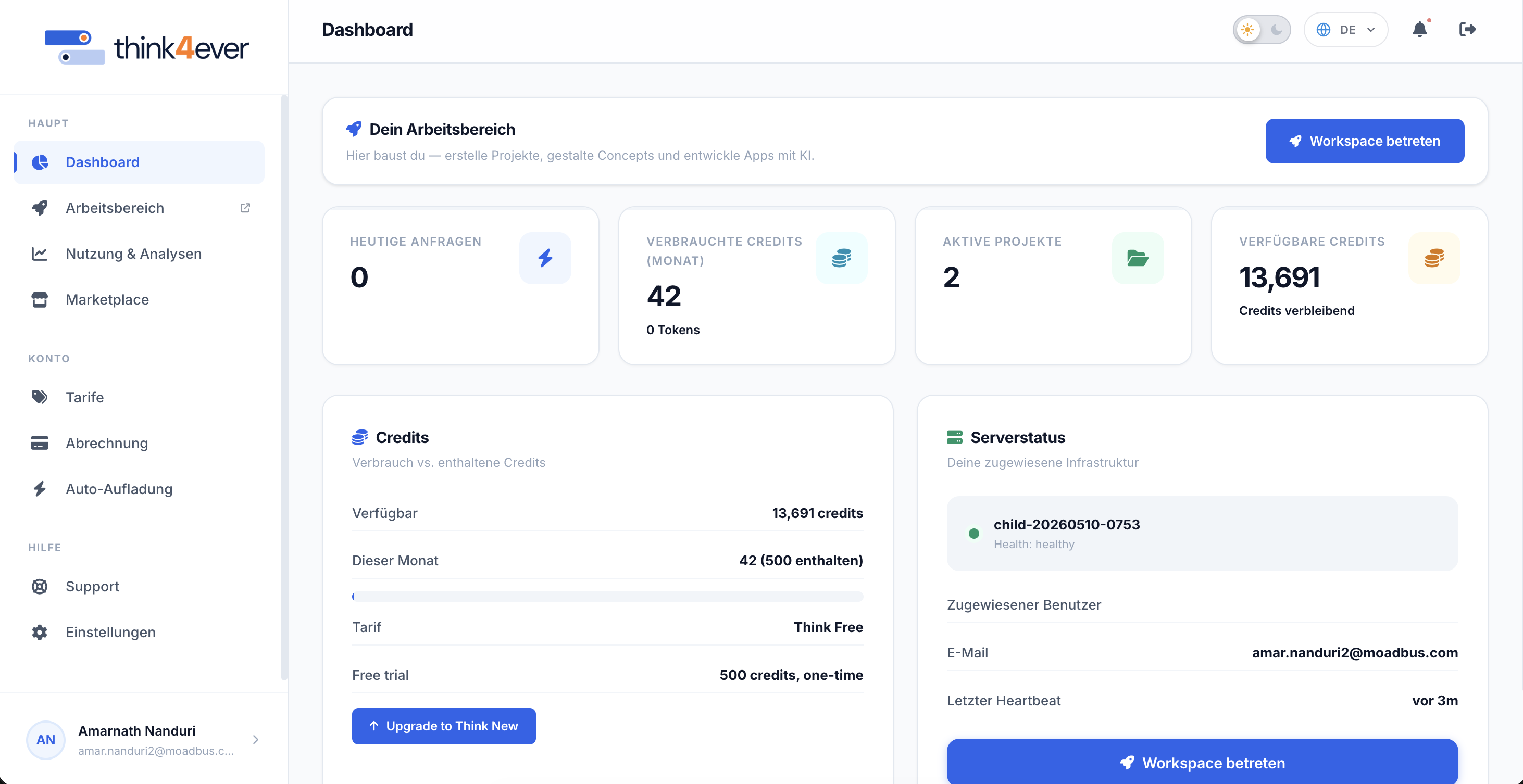 Click to enlarge
Hindi#
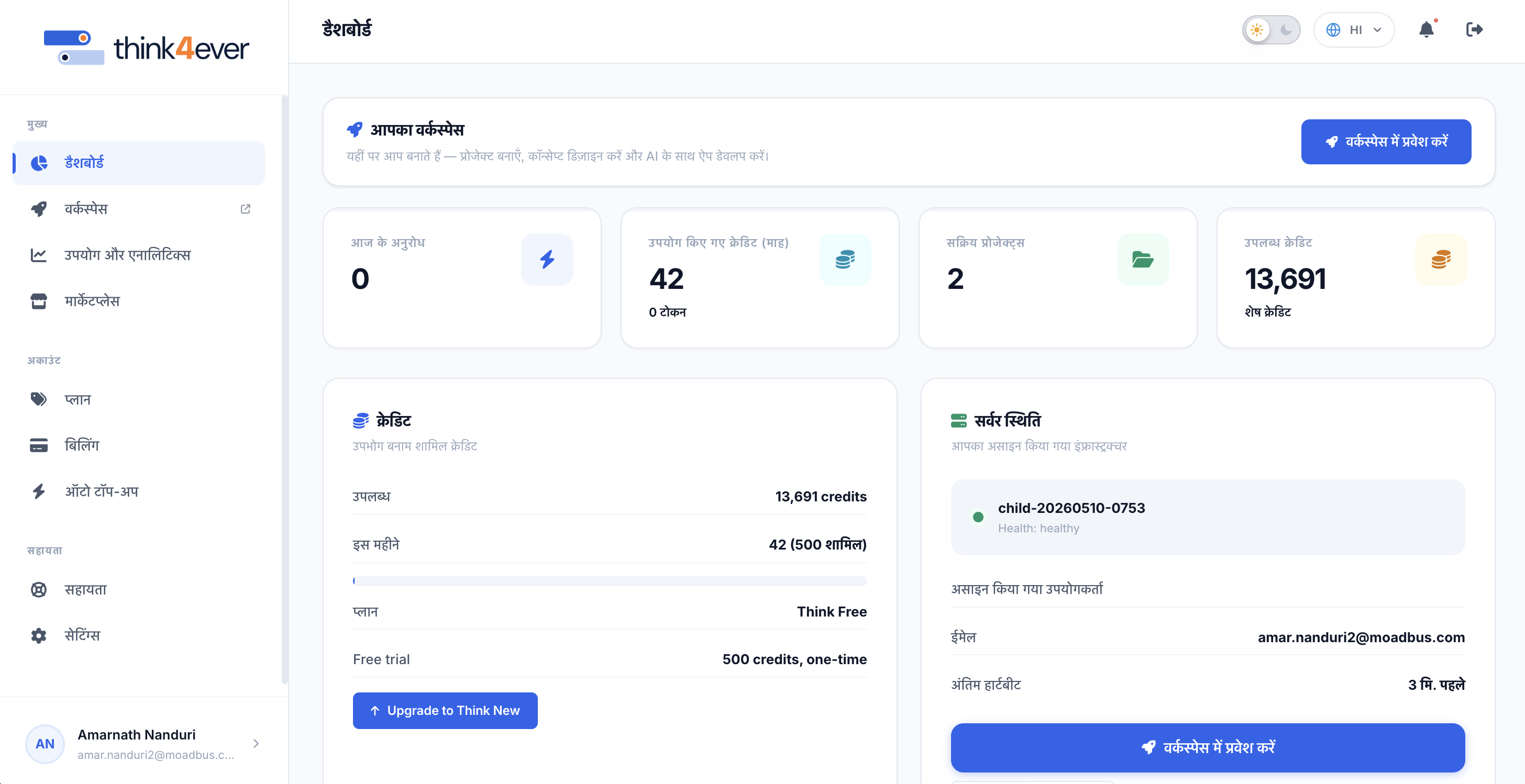 Click to enlarge
Netherlands (Dutch)#
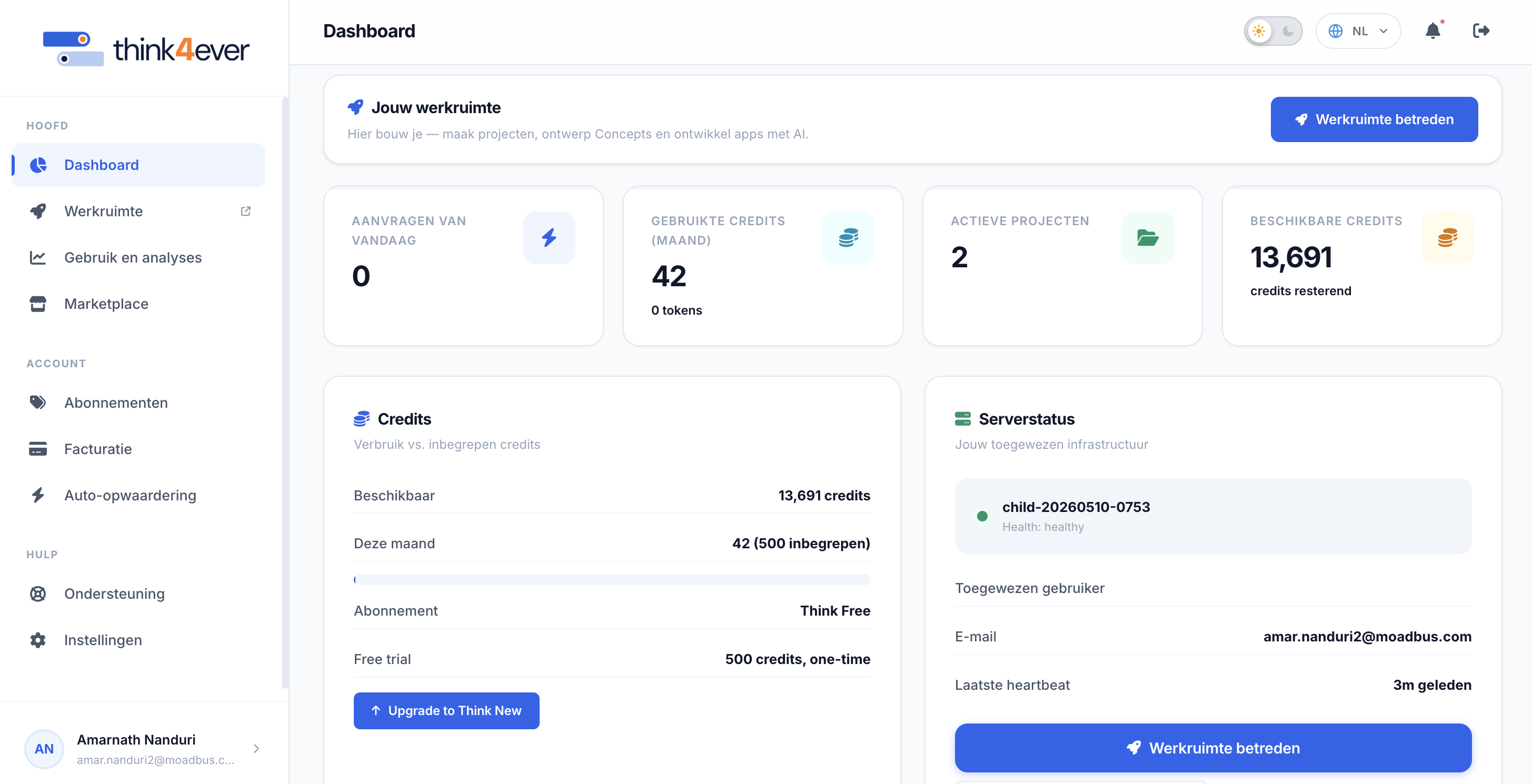 Click to enlarge
Arabic#
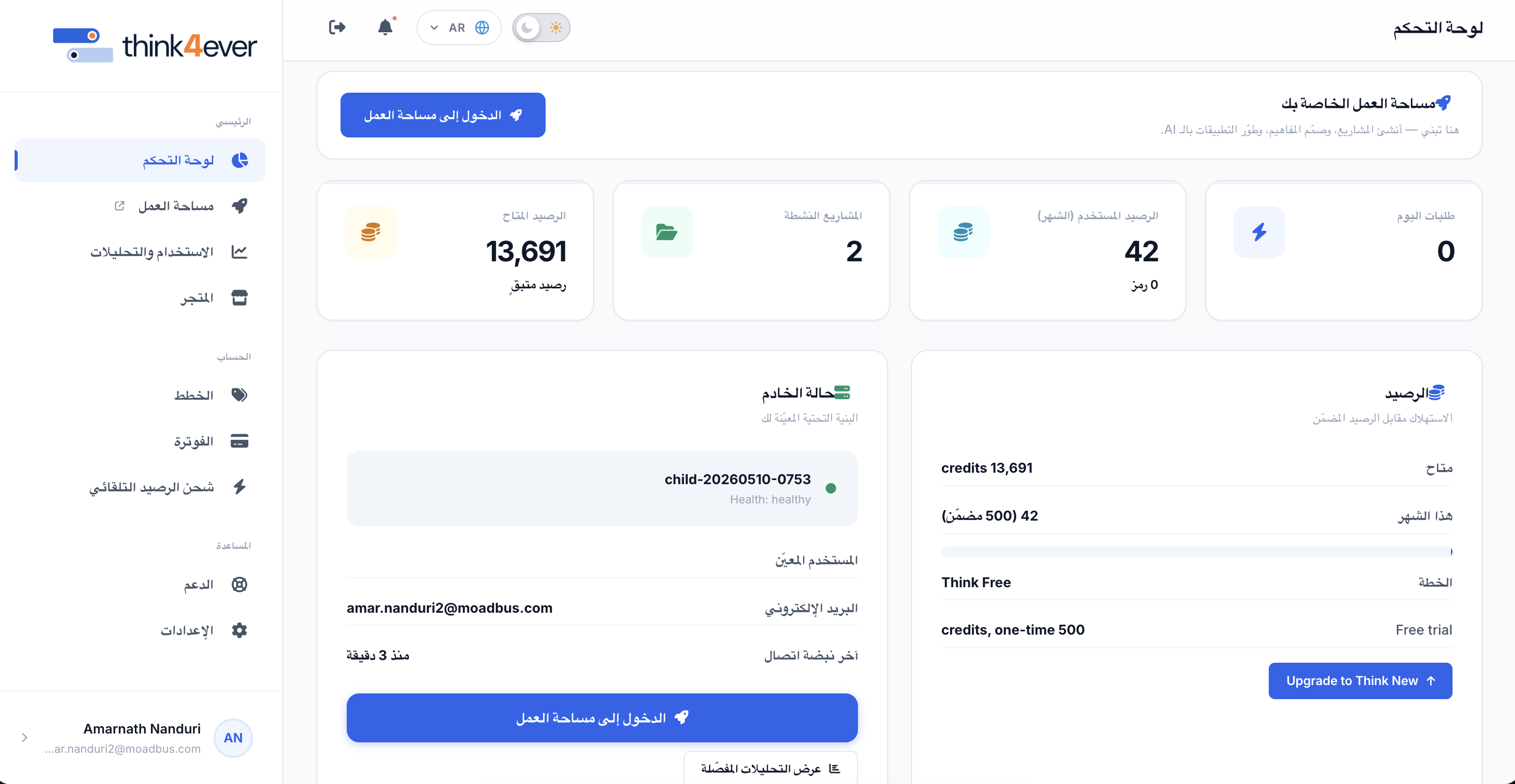 Click to enlarge